← mikekapin.com Open termfit.ca

Software · 2026

Termfit

The whole term, fitted.

Timetabling software for a college campus. Rooms, instructors, programs and classes go in, and a rule-checking solver places every class without clashes. It runs in your browser, there is no account, and nothing you type is sent anywhere. Free to use, and free to share.

Open termfit.ca Try the demo college

The Termfit week grid, showing a campus week of classes laid out by cohort with rooms and instructors.

Not an app. Actual software.

Most of what I build is a small tool for one job. This one is a product: it has a solver, a rules engine, a file format and a licence.

Building a college term timetable is a constraint problem wearing a spreadsheet costume. Every class needs an hour, a room big enough for it, an instructor who is actually available, and no collision with the other class that cohort has to be in. Change one thing in October and four other things break in a way nobody notices until January.

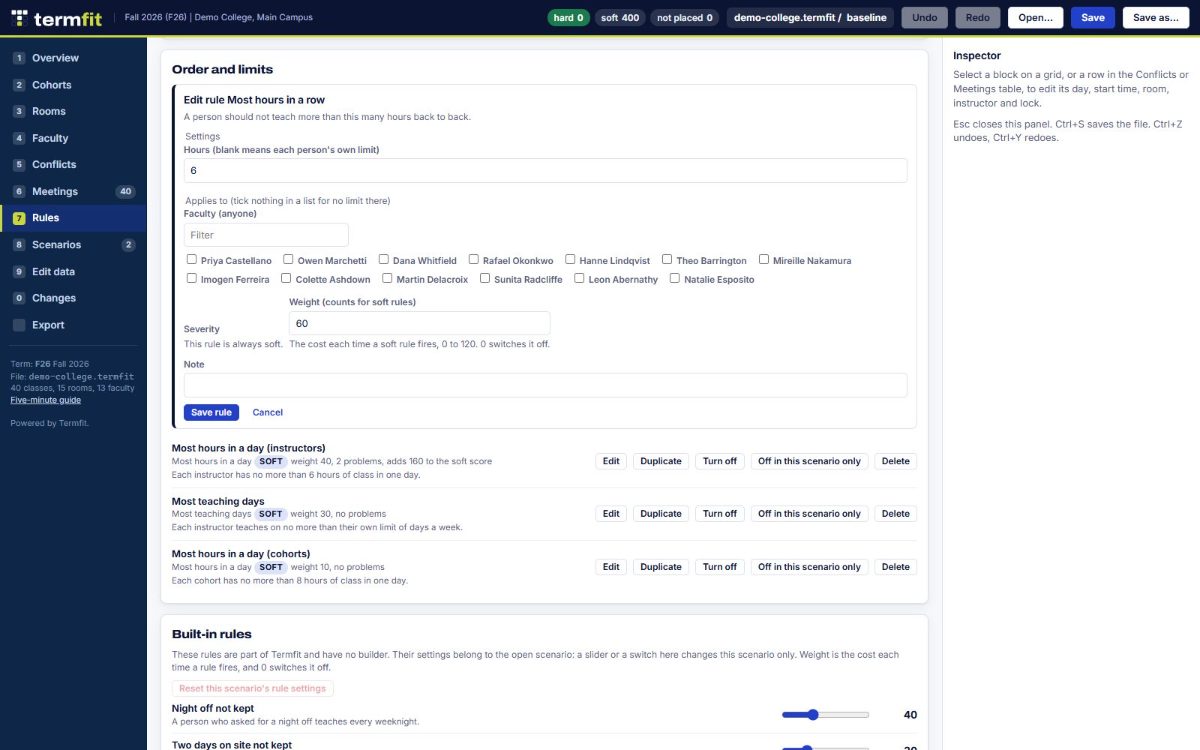
Termfit holds all of that as explicit data. Every room and its seat count. Every instructor and the hours they can teach. Every rule, written in plain words: theory before lab, a clear weekday for a cohort, no more than this many hours in a row. Then it places the whole term, scores it, and tells you exactly what is still wrong and what single change would fix the most of it.

You type your own campus in. Edit data has a tab for each thing: faculty, rooms and buildings, programs and cohorts, classes, and the term calendar. Rules are built the same way, from a form, in plain words. A small campus can sit down and enter the whole thing itself, and the next term starts from that one, so you only change what changed.

It is free to use, and free to share. No account, no install, no server, no licence to buy. Your term is a file you save, like any other document.
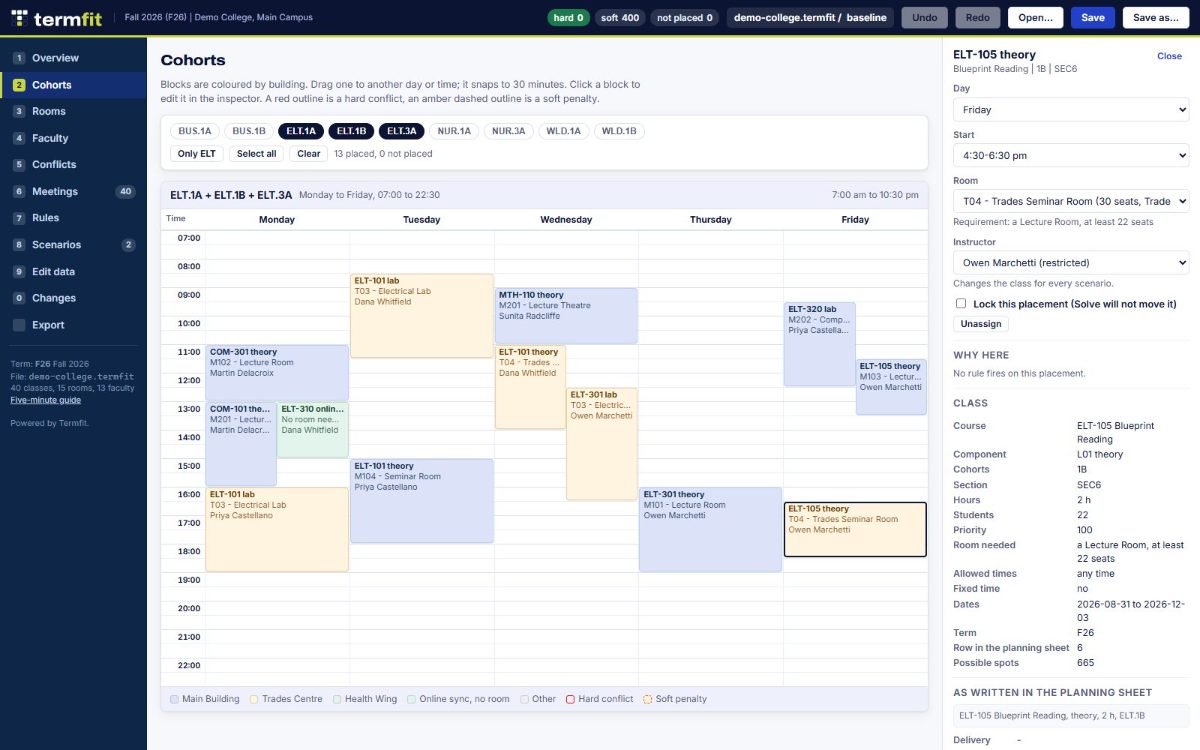
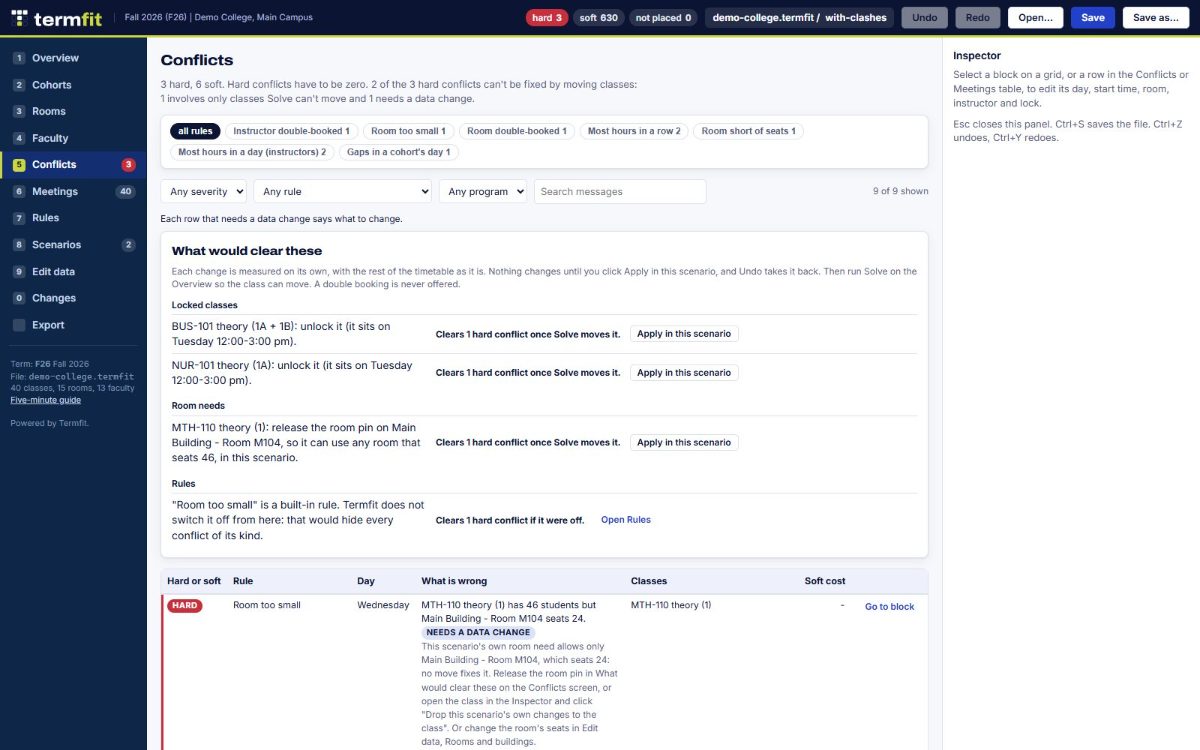
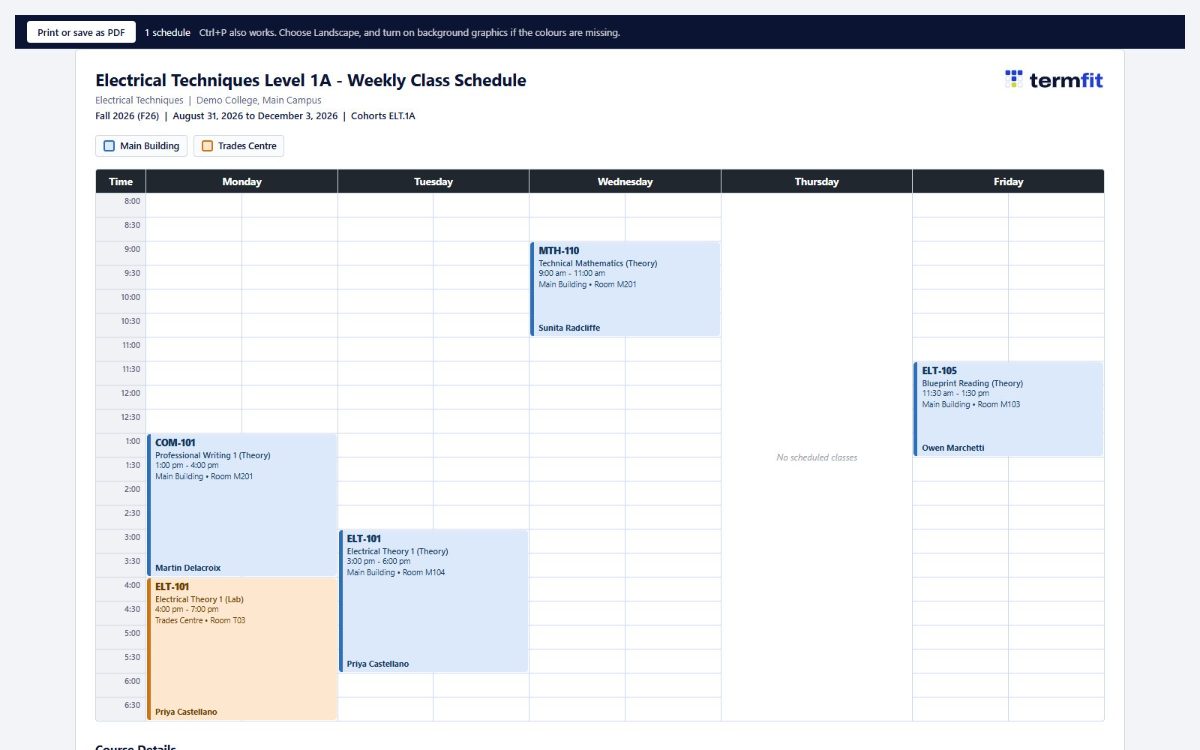
Four views that do the work.

The engineering, briefly.

Written against a real term with real constraints, then generalised so the rules live in the file instead of in the code.

01

A real solver

Local search over the whole term, running several fresh starts side by side in worker threads. It optimises against the clock: give it five seconds or thirty, and it returns the best timetable it found, with the before and after numbers so you can decide whether to keep it.

02

Rules as data

Every rule is an instance saved in the file, not a branch in the source. A campus carries exactly the rules it needs and nothing belonging to someone else's. Twelve rule families, each judged hard, soft, or either.

03

Nothing leaves the machine

No account, no server, no analytics, no AI. Instructor availability is personal information, so it stays in the file on your own computer. It works offline, and it will run off a USB stick.

04

Tested properly

Over 1,400 automated tests, including an equivalence suite that scores two real terms against a frozen copy of the original engine to prove a tuning change did not quietly change a result.

  • Stack: plain ES modules. Zero npm dependencies, no build step, no framework.
  • Runs on: Chrome, Edge, Firefox, Safari. Saves in place with Ctrl+S where the browser allows it.
  • Hosting: static files on Cloudflare, plus a single-file copy you can carry on a USB stick.
  • Scale: a campus term of a few hundred classes across many programs, solved in seconds.
  • Licence: free to use and share unchanged, under the Termfit Free Use Licence. All other rights kept.

Load it yourself. That is the normal way in.

Termfit is free, and it is built to be filled in by the person who plans the term. Help is there if you want it, not because you need it.

Doing it yourself

Open Termfit, work through the Edit data tabs, and type your campus in: your buildings and rooms with their seat counts, your instructors and the hours they can teach, your programs and cohorts, then your classes. Add your rules from a form, in plain words. Press Solve. There is a five-minute guide, and a demo college you can practise on before you touch your own data.

A small campus can do the whole thing in an afternoon, and it only happens once. Every term after that starts from the last one, so you change what changed and solve again. Nobody has to be involved, and nothing gets sent anywhere.

Try the demo college Read the five-minute guide

Or hand the Termfit Team the spreadsheet

If your term already lives in a planning workbook that has been handed down for years, and you would rather not retype it, the Termfit Team will do that part for you. It is the one thing the software cannot do for itself: reading what a sheet actually says, finding where it contradicts itself, and asking the questions only your program can answer.

  1. Your planning workbook goes in: rooms, seat counts, programs, cohorts, classes, instructor availability.
  2. We reconcile what the sheet claims against what is true, and come back with a short list of things to confirm.
  3. You get a finished term file, solved, with a plain-English summary of every change and every conflict that is left.
  4. From then on it is yours, the same file you would have built by hand. No lock-in, no subscription.
One campus, one term, everything above from$2,500
Each further term in the same year, once your campus is loaded $1,000

That is the whole cost. The software itself stays free, there is no subscription and no per-seat fee, and you can stop after one term with the file still yours. A much larger or much messier campus gets quoted before any work starts, and the form below is where that begins.

Request setup help

The form asks about your campus, not your people. Please don't send class lists or anyone else's personal details through it.